

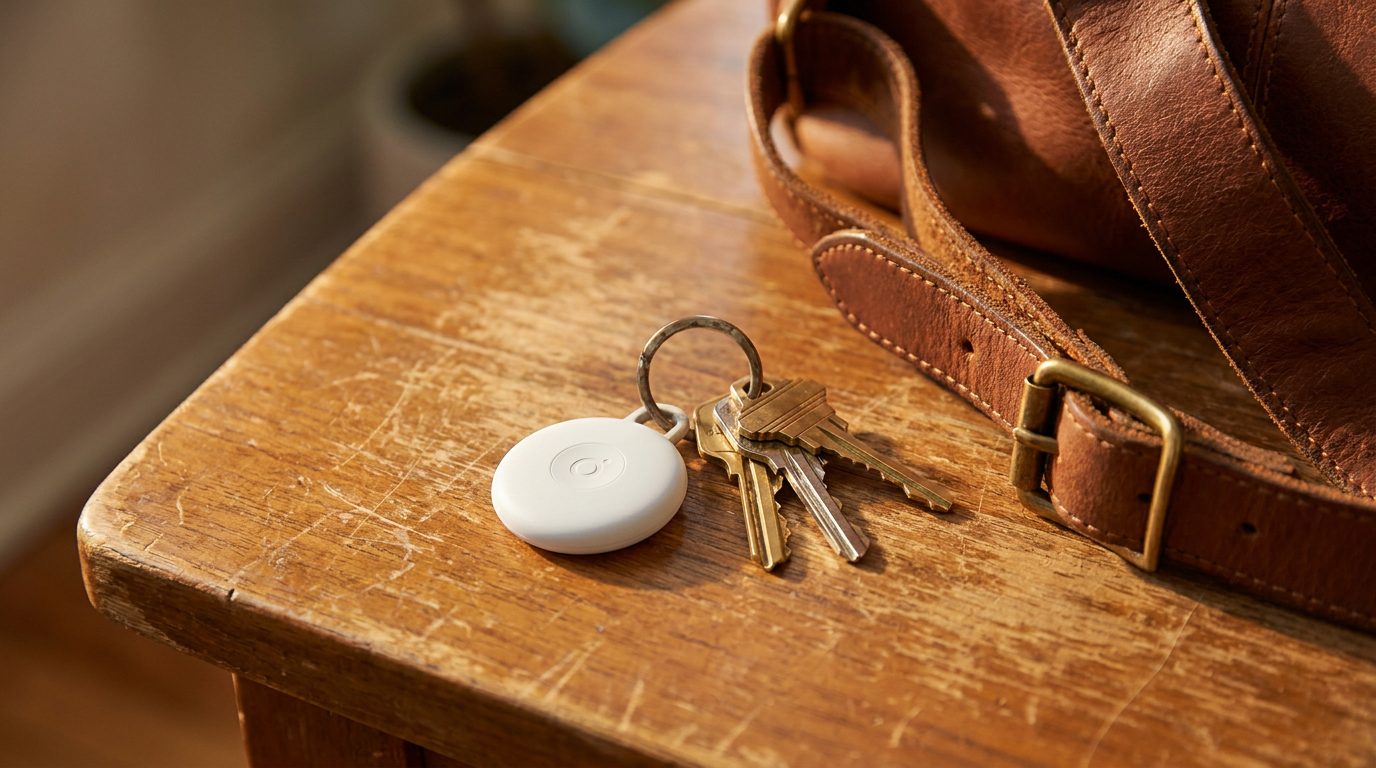
You lose a set of keys in a city you have never visited, and within an hour a map on your phone shows them sitting in a cafe two streets away. No tracker of your own is involved: the keys are on a Bluetooth tag, and a stranger’s phone found them. That stranger does not know it, was never asked, and will never be told. This is how modern item trackers actually work, and the mechanics matter more than most people assume, both for finding your luggage and for who can theoretically find you.
Why a tag on its own can find almost nothing
A Bluetooth tag has a radio range of a few dozen metres in open air and a battery measured in months or years. Those two constraints mean a tag by itself is nearly useless for anything beyond finding your keys inside the house. The reason AirTags, Samsung SmartTags, and Chipolo and Tile products can point at a bag in another district is that they do not do the locating themselves. They shout a short identifier over Bluetooth, and other people’s devices do the hearing.
Apple’s Find My network turns every nearby iPhone, iPad, and Mac that has the feature enabled into an anonymous relay. The tag broadcasts an identifier, a passerby’s phone picks it up, attaches its own location, and uploads an encrypted report through Apple. The owner sees the location; the passerby knows nothing and cannot be identified by the owner. Apple has stated the network spans hundreds of millions of devices, which in most urban areas means a tag is rarely out of earshot of one for long. Google’s Find My Device network works on the same principle across Android phones, and cross-platform cooperation between the two now means an AirTag dropped in a bag can be spotted by an Android phone and a SmartTag by an iPhone.
The identifier rotates, for one specific reason
A naive tracker would broadcast a fixed serial number, and anyone who logged one passively could trace every tag they had ever seen, including tags travelling in people’s bags and pockets. To prevent that, Apple’s scheme rotates the advertised identifier using elliptic curve cryptography: the tag derives a new public key every fifteen minutes or so, and only the owner, holding the private keys, can recognise their own tag’s current identifier in the reports. A third party collecting Find My traffic just sees unrelated rotating strings.
That design also powers the anti-stalking side. Because the identifier is derived from a key pair, a device that keeps seeing the same rotating family of identifiers can conclude it is travelling with a tag that is not registered to it. That is what triggers the unknown tracker alerts: an iPhone will warn you if an unknown AirTag moves with you over time, and Android’s equivalent scans for tags travelling with you. Both platforms took years to get here and both originally shipped without any such warning, which is worth remembering when people assume the protections were designed in.
The stalker case, honestly
The same network that finds your suitcase is the best mass-market stalking tool ever sold for the price of a coffee. The mitigations have real gaps: an AirTag alerts only after it has already travelled with a victim, which means the location history has typically already reached the stalker’s phone by the time the victim is warned. Alerts depend on the victim carrying a modern phone with scanning enabled. A victim on an older phone, or a tag hidden in a vehicle where the alert sounds only after repeated proximity, gets much less protection than the marketing implies.
The practical defence for anyone worried about being followed is to check for alerts, and on Android to periodically run a manual tracker scan, since it finds tags that are merely nearby rather than travelling with you. Removing a battery from a found tag breaks the trail immediately; an AirTag also chirps after roughly three days away from its owner, a delay long enough to matter.
What this has in common with other passive leaks
Item trackers are a good illustration of a wider pattern: the privacy cost of a technology usually sits in the network effect, not the gadget. Your television watching you is harmless until every television fingerprints every programme, as we covered in our piece on smart TV automatic content recognition. Your DNS queries are harmless until your resolver can build a profile of every domain you visit, which is the tradeoff we walked through in what encrypted DNS does and does not hide from your ISP. In each case the fix is not refusing the technology, it is knowing which party you have actually trusted with the data.
With trackers, the trust question is specific: Find My reports are encrypted so that only the tag’s owner can read the location of their tag. You are trusting Apple’s claim about the cryptography, trusting the implementation, and trusting that the anti-stalking balance holds. For most people recovering lost luggage that is a reasonable trade. For someone being actively watched by a person with physical access to their belongings, no passive network feature is the answer; that is a job for a physical sweep, and in serious cases, for the police.
Sensible defaults
Enable unknown tracker alerts on your phone. Turn off participating in the crowdsourced networks only if you are comfortable that the tags you rely on will also stop being locatable by you, because the same setting usually governs both directions. If you lend a bag with a tag inside to someone else for a week, expect their phone to warn them about your tracker, and tell them beforehand rather than leaving them to discover an alert about an unknown device travelling with them.
The crowdsourced tracker network is a genuine convenience that quietly borrowed a hundred million bystanders to build it. Use it, but know which direction it points and what it does when it points at a person instead of a bag.